

Prior to this week’s class, we were tasked with watching a documentary called “Rip.Mix.Learn!”, which discussed the idea of copyright and how much of something someone can take and still call it their own. The documentary focused on music, and I wanted to share a video that the documentary reminded me of. A couple of years ago, this video was really popular on YouTube. A comedy group called “Axis of Awesome” play 4 chords in this performance, and demonstrate how almost all of the famous pop songs use the same 4 chords. It applies to artists from Journey, to The Cure, to U2, and even Beyoncé. It makes us question if there is such a thing as original music! The video is super fun, watch it below:
In class this week, we talked about online responsibility, both for students as well as teachers. It is so important that we keep track of our digital footprints, because a lot of what is on the internet stays there forever, even if you think you deleted it. I think it’s important that as teachers, we teach our students how to use social media responsibly. This includes teaching lessons on cyberbullying, and internet safety.
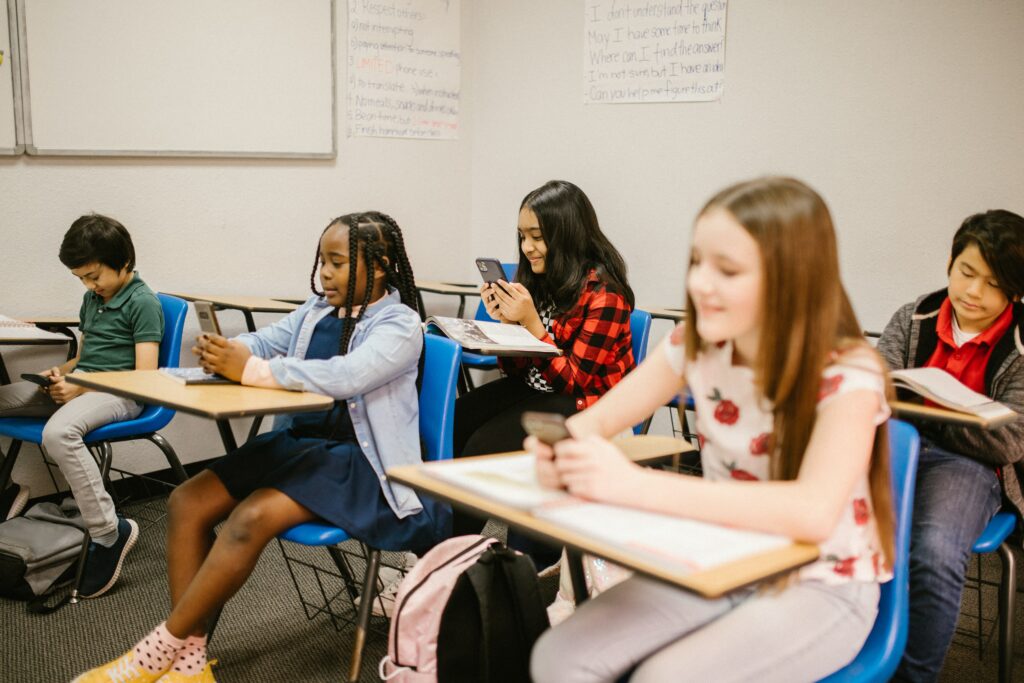
This article from Common Sense Education discusses how as educators we can best teach our students to use the internet safely. They include advice and some lesson plan ideas as well.
After the Q&A with Jesse Miller, I am definitely going to be more conscious about my use of social media. When I googled myself, the only thing that came up was my LinkedIn page, which was surprising to me! However, after doing some more scrolling, I realized that there is a photographer who lives up island with the name Colleen Wilson. She recently went viral for her crow photography, so it seems she is getting the recognition she deserves by taking up the majority of the hits for our name on Google.

Creative commons licensed materials will be extremely helpful to me as a teacher, as I will be able to use them to create fun and dynamic videos for my students to help them learn. There are so many resources on websites like Pexels, and I think that if students are tasked with creating their own videos, they would have a blast exploring all of the free resources they could use. I think video creation would be a great class activity for all grade levels. Using tools like iMovie might be better suited for grade 3 and up, but apps like FlipGrid allow younger students to participate in a simpler form of video creation.
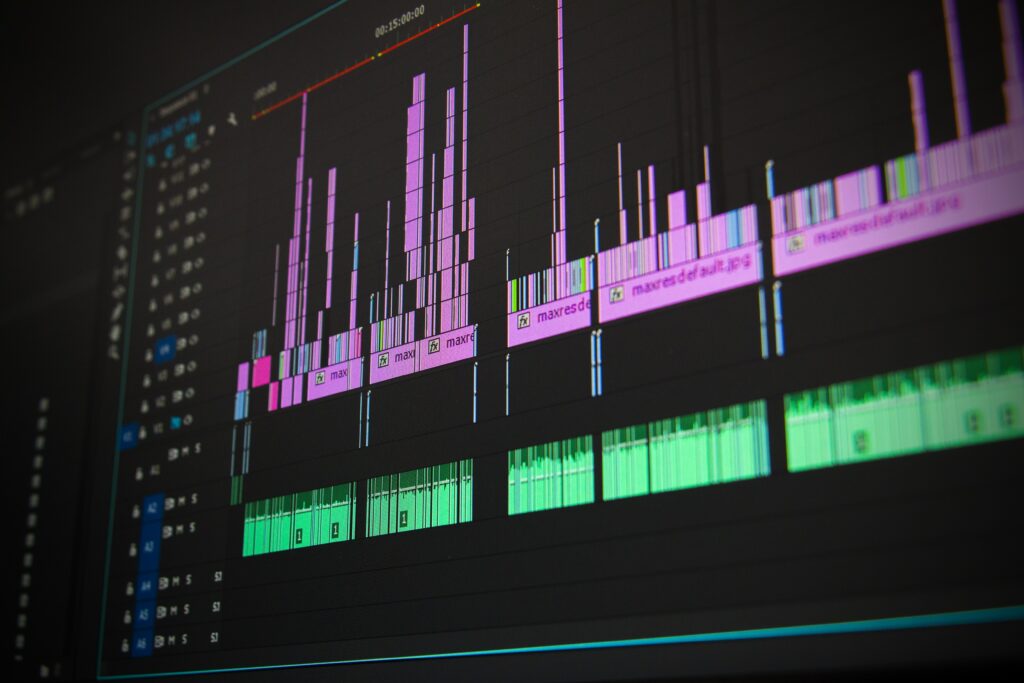
Attached below is the slow motion video I made using creative commons licensed materials. I have been watching a lot of the winter Olympics recently, so I decided to use a skiing video created by Adrien Jacta on Pexels. I combined the video with the built-in iMovie ski sound effect, and slowed down the second half of the video. I think it turned out great!
Hi Colleen,
A great blog post this week! I really enjoyed hearing your perspective on this topic. A really good part was the Axis of Awesome video you embedded into the post. It is such a funny video and makes this blog post more interactive. Your slo-mo video was really cool to see and I like how you are thinking about how to use this medium for teaching.
My one suggestion is for your hyperlinks to open a new tab instead of from the same tab, but this is just a personal preference!
Thanks, Brigitte
Hi Brigitte,
Thanks so much for your comment! I totally agree with your suggestion about the hyperlinks opening in a new tab. It always drives me crazy when websites don’t automatically do that for you! I will definitely keep that in mind for my next blog post.
Thanks again!
Colleen