

This week, we talked about accessibility in technology. This is something I hadn’t really thought much about. I always watch Netflix and YouTube with the subtitles on, but that’s just a luxury for me. I use the subtitles to make sure I’m not missing what the characters in the show are saying. I never really thought about how it might feel for people who need subtitles, to find a video they want to watch and see that subtitles aren’t even offered. I think accessibility is really important in technology, especially because so much of our lives today revolve around technology.
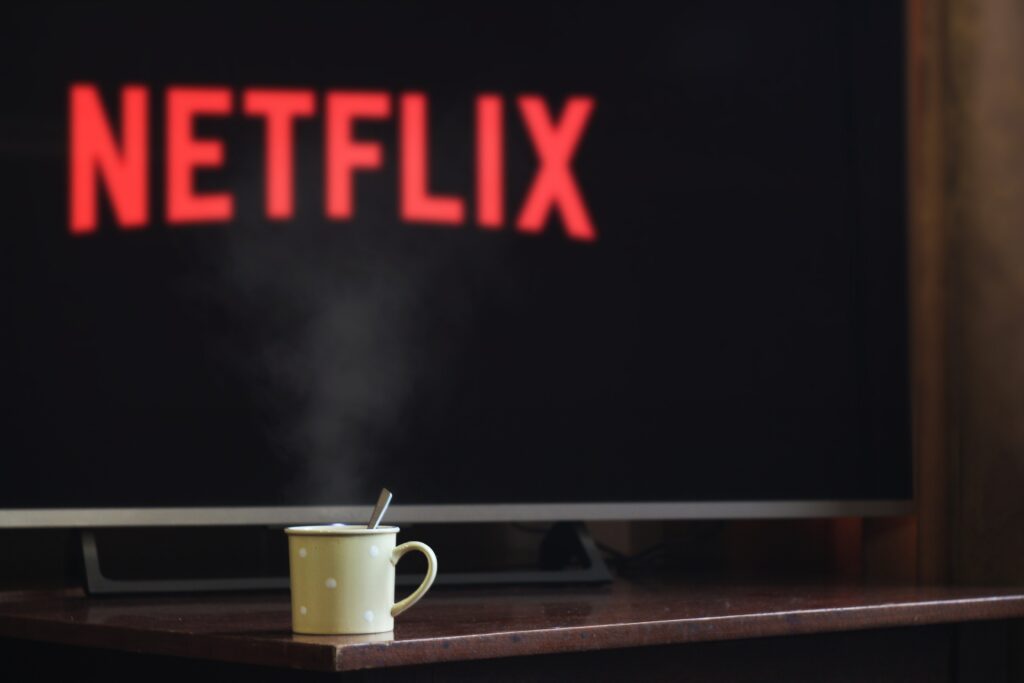
Below is the photo we made accessible in class.
Accessible photo

I am grateful to now know how to make images accessible on blogs, and will continue to do this in the future! I want to make sure I am posting things that everyone can read and enjoy.
Video with added subtitles
I created the above video with one of my classmates from EDCI 336, which I took a couple of years ago. I used the YouTube setting to add in subtitles, and went in and customized the subtitles afterwards. YouTube got pretty much every word correct, but I added in some punctuation in order to make the subtitles less confusing. Overall, this was a fairly simple process, and I think it’s really important to know in order to make videos as accessible as possible.
Reflection

- How much did you know about digital accessibility prior to this week? Was this ever a topic you considered previously?
Prior to this week, I did not know much about digital accessibility. I had a vague idea about it, and I knew it was important, but I didn’t really know what it entailed. Now, I have a better understanding of digital accessibility, but I still want to learn more about it. I found this article that discusses how Covid-19 has changed the world of digital accessibility in education, due to the sudden shift to online learning. I think it’s an interesting read!
- Are there any digital accessibility practices that you often see being missed? Are there any that you know YOU often miss?
I think the main digital accessibility practice I see being missed is the lack of subtitles. A lot of the time, I think TV shows, specifically live TV, neglect to include subtitles. A lot of the time, I think people have to rely on an automated subtitle function on their actual TV, which a lot of the time isn’t that accurate. I think that subtitles should be included more often in all forms of media. This is definitely something I often miss, because whenever I have created a video for one of my classes, I haven’t thought about checking the subtitles to see how accurate they are. Subtitles are really important for accessibility, and I am going to be more mindful of that from now on!
- Are there any digital accessibility practices that surprised you? Why?
I was surprised to learn about making photos accessible. I think because it is something that I am never looking for, I didn’t really ever think about the fact that there has to be a way for people to understand what is in a photo if they can’t see it. I had no idea you could write out a description in the settings, but I understand how helpful that could be.

Now that I think about it, I think I have seen descriptions of photos in the captions underneath the images describing in detail what is in the photo, but I have never thought much about it. Now, I understand more about how to make digital media more accessible in general, and why it matters.